What is Nano Banana? Why is it hyped?
Nano Banana is an advanced AI image generation model. It has become extremely popular because of its exceptional image quality, quick generation, and optimal accuracy. However, people aren’t aware of its true potential and how it actually works.
This article is all about Nano Banana. We will deep dive into what it is and how it has evolved since its release. We will explain how it generates images with AI and what the core technology behind it is.
For beginners who want to try Nano Banana, we will share some incredible AI tools that use the model. And if you are confused whether you should opt for Nano Banana or any other image generation model, we have compared it with different image models to help you select the right one.
What Is Nano Banana?
Nano Banana is an AI image generation model developed by Google DeepMind. It’s a creative engine that turns your simple text prompts into images. It also supports reference images to ensure the final result matches your expectations.
It’s actually a core part of the Gemini app and Google AI Studio. However, other platforms and tools also integrate the model for image generation.
It’s capable of altering, manipulating, or editing your images. You can change the background, remove/add objects, change the pose, etc. You can also create images from scratch; just explain what you like, and it converts text and your imagination into images.
The original Nano Banana was released in August 2025. It was the legacy image model for basic sketches and quick ideas. The next version was Nano Banana Pro, which improved image generation and offered high-fidelity and artistic images. You can still use it in Gemini Pro, but it is not applicable by default; you have to click the menu and click “Redo with Pro.”
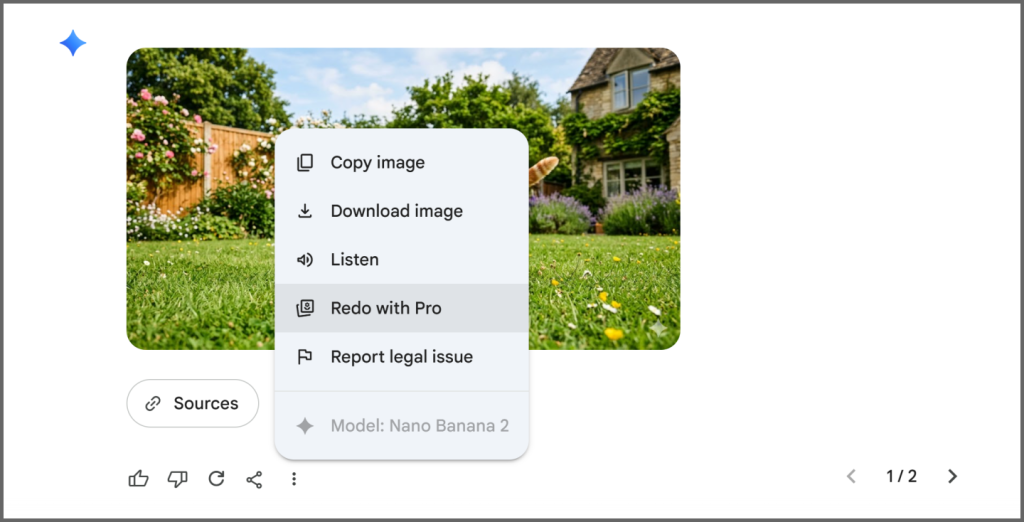
The most recent version is Nano Banana 2, which was rereleased in early 2026, and it has replaced the original version of Nano Banana. It is known for rapid image generation and supports complex edits and styling.
How Does the Nano Banana AI Model Work?
We know that Nano Banana takes a text prompt or reference image to generate images. It seems simple, but the real work happens behind the scenes.
When you enter a prompt, Nano Banana tries to understand everything in the prompt. If there are objects, it tries to create a relation between them. It goes beyond keywords and considers the context and logic behind. It works by combining Deep Reasoning with Diffusion-based generation.
Let’s understand it through an example. Suppose you enter a prompt “Generate a picture of a dog enjoying on a beach in the Bahamas.”
Deep Reasoning analyzes the prompt in the first place. The reasoning engine decides what the dog should look like. It considers the color, fur, paws, and every tiny detail. Then, it creates invisible thought images to test compositions. All of this is called planning.
Once the plan is set, the artistry begins. The diffusion engine starts building pixels. It puts the pixels together and improves them until a clear image is obtained. We have used the word “high-fidelity” in the previous section. It ensures the tiny details so that the image is extremely close to realism.
The final step is refinement. The model repeats the sampling steps several times and improves the image in terms of clarity, texture, light accuracy, and overall quality. Finally, it double-checks whether the image matches the prompt.
Now, here’s the result:
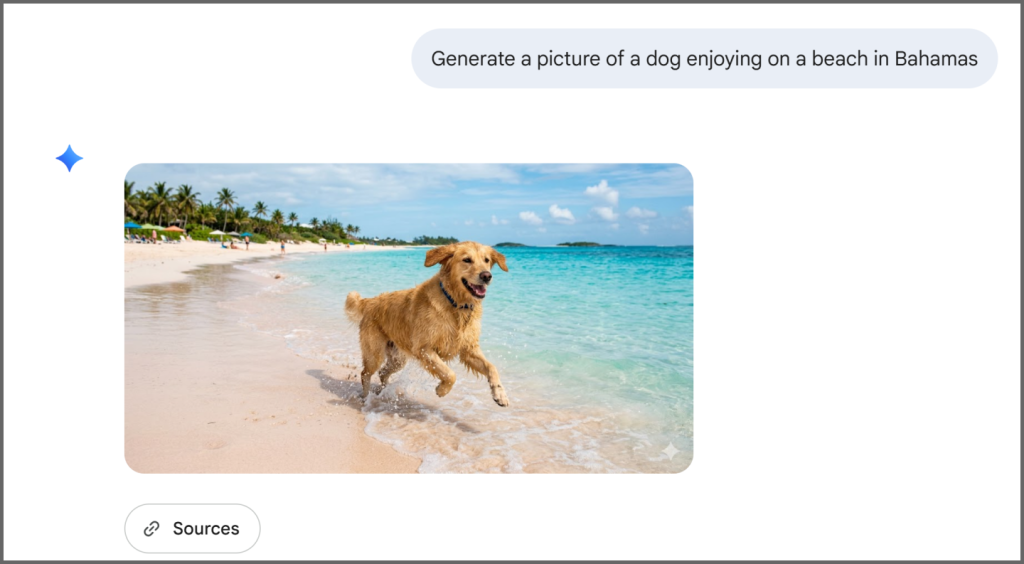
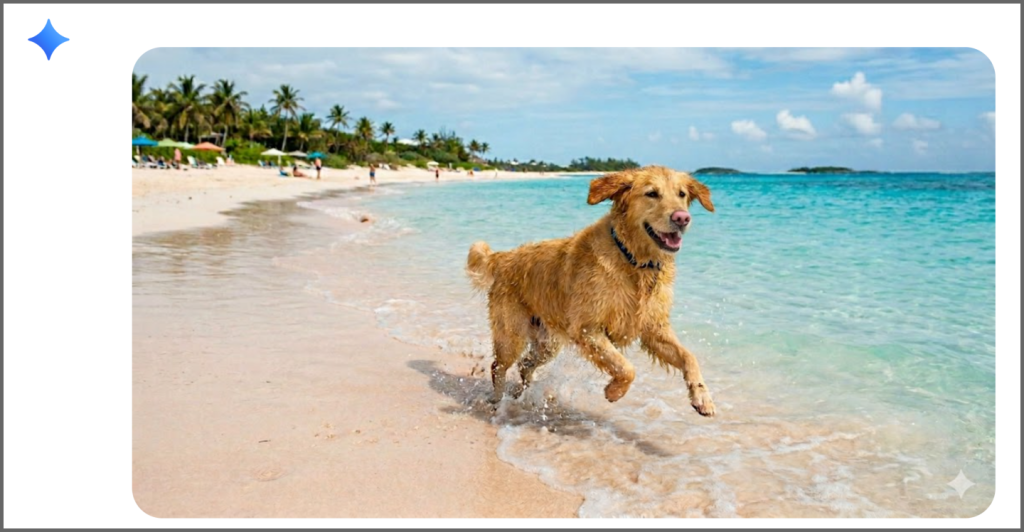
The notable feature of Nano Banana is In-content Editing. If you want any changes to the image, you can write a prompt. It will do the specific changes only, while keeping other things the same.
Let’s enter “Turn the dog’s nose pink.” Here’s the result:
Recommended AI Tools That Use Nano Banana
Nano Banana is not limited to the Gemini app and Google AI Studio. Google provides the Nano Banana API, which means developers can integrate it into their products and make it capable of image generation.
That said, many AI tools embed the Nano Banana model to provide image generation features along with their own special idea. However, here are a few recommended tools that you can try.
Gemini
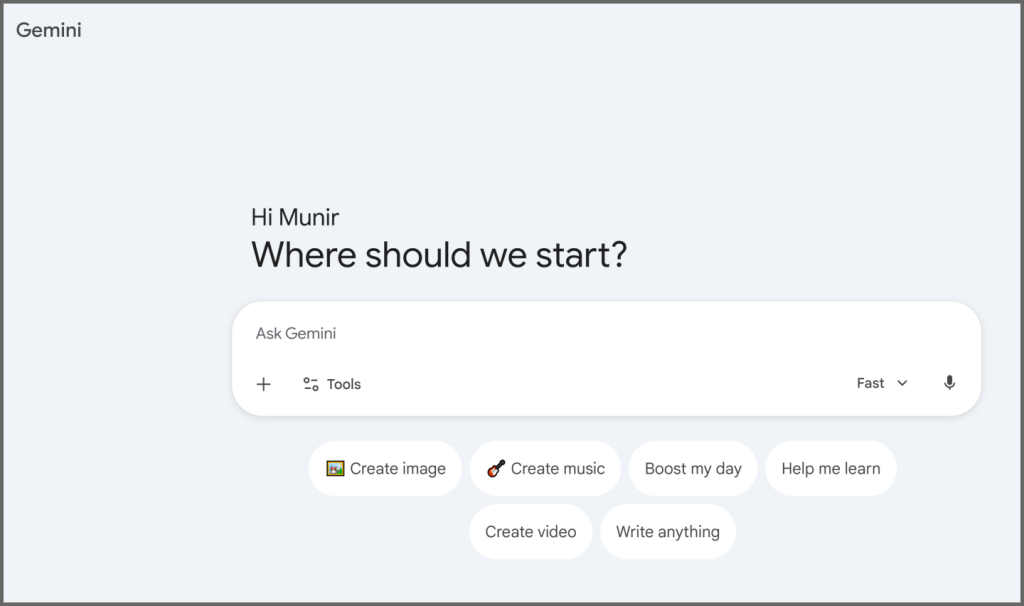
Gemini is the first option that comes to mind while thinking about Nano Banana. It’s your everyday assistant for brainstorming, content creation, personal tasks, etc. Whether you need an image for a blog post, social media, or anything, it generates and edits instantly.
Google AI Studio
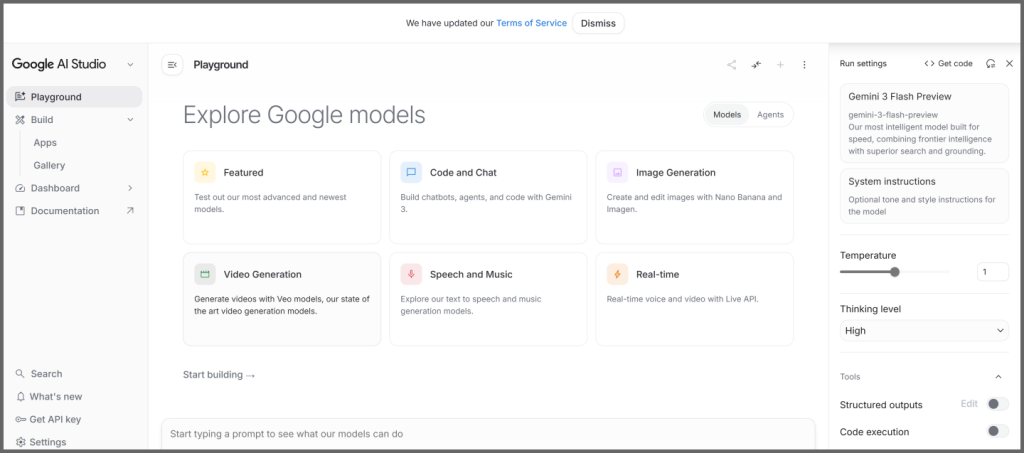
Google AI Studio is the powerhouse. It’s a rapid prototyping environment for building applications with Gemini models. With just simple texts, you can create full-stack applications.
You can do prompt engineering, which means you can design, test, and refine prompts before integrating them into applications. Along with all these things, you can experiment with images. Generate and edit anything you like and use it in your projects.
Adobe Firefly
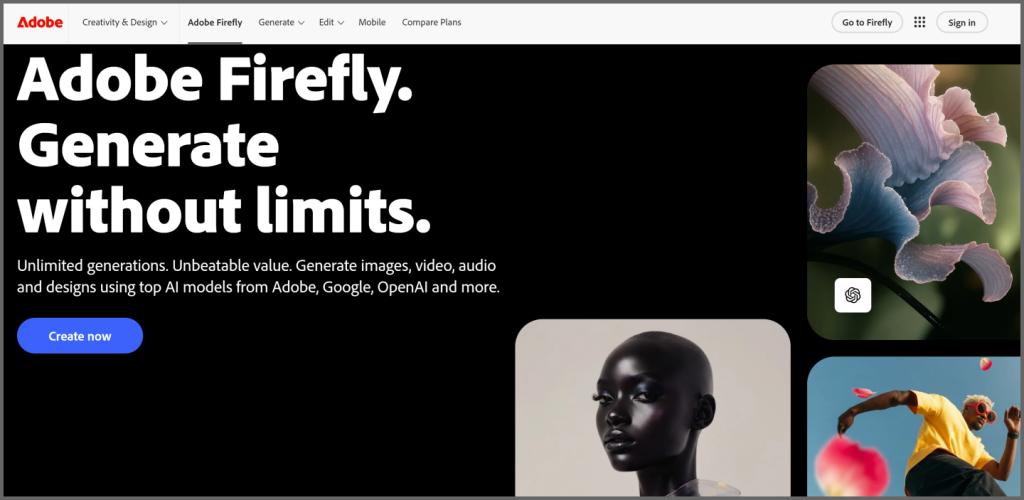
Adobe Firefly is a generative AI suite. It is designed to produce, edit, and animate images, videos, vectors, and audio with only simple text prompts. It has integrated Nano Banana, so you can change specific details in images and generate the images you need in no time.
Oreate AI Image
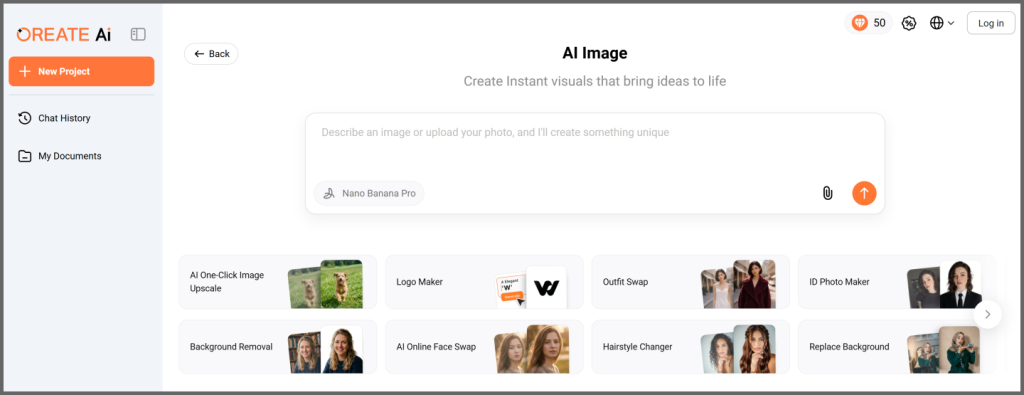
Oreate AI is an all-in-one AI workspace that allows you to create PPTs, images, videos, content, research papers, resumes, and almost everything using AI.
The Oreate AI Image uses Nano Banana to generate realistic images from your prompts. You can remove backgrounds, upscale images, generate logos, swap outfits, create an ID photo, replace the background, change the hairstyle, etc. You can do almost anything with simple texts or reference images.
Figma
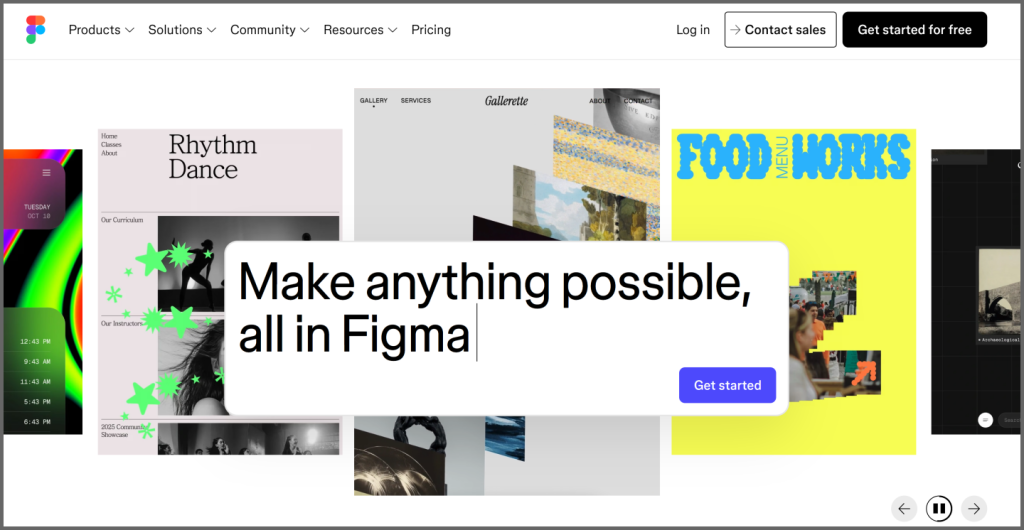
Figma is a cloud-based design and prototyping tool. It is used to create UI and UX for websites and applications.
The integration of Nano Banana assists in making icons, backgrounds, and other assets, saving you a lot of time. You can create structured layouts and polished visuals by entering prompts and quickly completing the design or prototype.
Felo
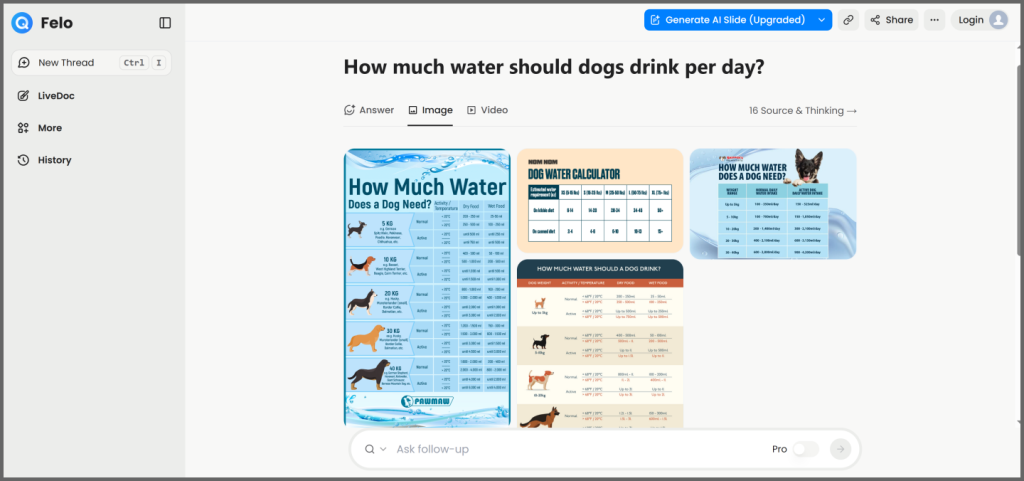
Felo is an AI-powered search engine and research tool. It provides comprehensive search results that include text answers, images, and videos. It uses Nano Banana to generate relevant images. It also shares all the sources it used to generate the answer.
Nano Banana vs Other AI Image Models
AI models differ in terms of core strength, accuracy, consistency, use cases, and various other factors. That’s why you have to select an AI image model according to the application.
Nano Banana
Nano Banana has access to Google Search data in real-time, which is the reason it’s superior when it comes to understanding prompts, creating realistic images, and offering accuracy.
If you type the word “BAT” in the prompt, it understands what you actually mean by it. It goes through the context to know whether you mean the bat, which is used to play cricket, or the bat, which is an animal.
Because of real-time access to Google Search data, it knows what the thing looks like in the real world right now.
It’s ideal for generating photorealistic portraits, social media images, infographics, etc.
Midjourney
Midjourney is one of the pioneers in AI image generation. Its distinct feature is the cinematic or artistic touch.
The generated images aren’t close to the real world. That’s why it’s suitable for concept art, fantasy illustrations, cinematic images, imaginary things, etc. Its main goal is to provide aesthetic appeal and make the image extremely beautiful.
Stable Diffusion
Stable Diffusion is an open-source generative AI model. It generates high-quality and detailed images, videos, and animations. Thus, it’s versatile. It can also work on NSFW content, which is not possible with other AI models.
It works through Diffusion, which means it starts with random pixels and then refines them to generate a clear image that relates to the prompt. It’s perfect for professionals who need to dive into the details and consider even the tiniest detail.
DALL·E
DALL·E is OpenAI’s image generator that is integrated into ChatGPT. It can generate images from text and produce a wide range of styles. It’s suitable for quick image generation, editing, and refinement.
It’s excellent for beginners who want to experience AI image generation. It helps brainstorm ideas and refine images according to the needs in multiple iterations. It’s just like having a conversation with an image editor and explaining the changes you need.
FAQs
What’s the difference between Nano Banana and AI image generators?
Nano Banana is an AI image generation model. It is integrated into different tools, like Gemini, Oreate AI, or Figma, to generate images. In contrast, AI image generators produce images by using an AI image generation model, such as Nano Banana, DALL·E, or Stable Diffusion.
How can users access tools powered by the model?
Nano Banana 2: You can access this model directly in the free version of Gemini for near-instant image generation.
Nano Banana Pro: This is exclusive to AI Plus, Pro, and Ultra subscribers. To use it, you must first generate an image and then select “Redo with Pro” from the image’s three-dot menu.
Third-Party Integration: You can also access the model through integrated design and creativity platforms like Oreate AI or Figma.
What is the difference between Nano Banana, Nano Banana 2, and Nano Banana Pro?
Nano Banana is the original version, which was released in August 2025. After making improvements to the original version, a new version was introduced, which is Nano Banana Pro. It has better accuracy, excellent image results, and high fidelity. You can use it to achieve a studio-grade finish. It is preferred for print, detailed ads, and complex art. Finally, Nano Banana 2 was released as the new standard, built to be much faster and smarter for everyday use.
Conclusion
Now, you might have a clear idea of what is Nano Banana. It is Google’s AI image generation model that instantly generates images from text prompts.
It’s a creative tool that not only allows you to generate images from scratch but also refines them according to your expectations and needs. Many modern tools, such as Figma, Oreate AI, and Adobe Firefly, integrate Nano Banana for image generation.
With these AI tools and platforms, you can experience image generation capabilities and simplify your creative workflow, while saving time and effort!