When beginning your job search, many new applicants ask how to write their resumes for their first positions. It can feel confusing. You might think, “I have no experience, so what do I even write?”
Here is the truth: employers hiring for entry-level roles are not expecting years of experience. They are looking for potential. They want to see:
- A willingness to learn
- Basic communication skills
- Responsibility and reliability
- A positive attitude
This guide will teach you how to make a resume for your first job step by step, and you will learn what to add, how to set it up, and how to turn your daily experiences into something strong. By the end, you will know how to make a resume that helps you get interviews.
What to Put on a Resume for Your First Job?
If You Have Some Experience:
If you have had part-time work, internships, or even small gigs, you already have a strong starting point.
When making a resume for your first job, include these important things:
- Part-time jobs (retail, tutoring, freelancing)
- Internships or volunteer roles
- School leadership roles
When making a resume for your first job, focus on what you learned and not just the tasks you did.
If You Have Zero Experience:
No job history? No problem.
If you are building a first resume with no work experience, you still have plenty to include:
- School projects
- Group assignments
- Personal projects (blogs, YouTube, coding)
- Volunteer work
- Hobbies with skills (photography, gaming teams, etc.)
This approach helps solve the challenge of a first resume with no work experience by showing your abilities instead of job titles.
When making a resume for your first job, remember that your skills are more important than your experience at this stage.
How to Create a Good Resume: Step by Step
Let’s walk through how to make a good resume in easy steps.
Step 1: Choose a Clean Format
Your resume should be:
- One pagemax
- Easy to read
- Clearly structured
Sections to include:
- Contact Information
- A quick summary
- Education
- Skills
- Experience or Projects
A clean layout is necessary when learning how to make a good resume.
Step 2: Write a Strong Objective
Two to three sentences up top. Say what you’re after and what you bring.
Example: Motivated high school graduate seeking an entry-level role where I can apply communication skills and learn in a fast-paced environment.
Make it specific, show some energy, and mention the role if you can.
Step 3: Highlight Your Education
When you’re starting out, this section carries weight. Include:
- School name
- Graduation year
- Relevant coursework (if useful)
Example:
- Philadelphia University — B.S. in Business Administration (2022–2026)
- Coursework: Business Studies, Computer Science, Marketing, Financial Accounting
- GPA: 3.8
Step 4: List Real Skills
Stick to what you actually have:
- Communication
- Teamwork
- Time management
- Basic computer skills
Example:
- Microsoft Word & PowerPoint, Team collaboration, Problem solving
Keep it simple and honest.
Step 5: Include Experience or Projects
Got work experience? List it. If not, use projects, volunteer work, or activities. Hiring managers just want to see you’ve done something.
Step 6: Keep It Short and Clear
- Use bullet points, not paragraphs
- Short sentences
- Skimmable in 10 seconds
That’s it. A good resume gets the point across fast.
Best 4 Online Tools to Make a Good Resume
Knowing how to write a resume is only half the battle—you still need the right tool to actually put it together. The good news? You don’t need to start from scratch or pay a fortune to get something that looks professional.
Traditional builders get the job done, but AI-powered tools have gotten pretty solid lately. They handle the heavy lifting, suggest better wording, and cut your time in half. Here’s a mix of both to get you sorted.
1. Oreate AI Resume Builder
There are plenty of resume makers out there, but Oreate AI resume builder actually gets it right. It’s straightforward, doesn’t overcomplicate things, and helps you put together something that looks professional without spending hours on formatting.
When you land on the AI Resume page, you’ll see a simple input box at the top where you can drop in your info. Scroll down a bit, and you’ll spot three tabs sitting right below: Featured, Minimalist, and Visual. Each one pulls up a different set of templates depending on the vibe you’re going for.

Why it stands out:
- Turns simple ideas into professional sentences
- Helps structure your resume automatically
- Makes your writing sound natural and human
- Great for a first resume with no work experience
2. Canva Resume Builder (Best for Design Control)
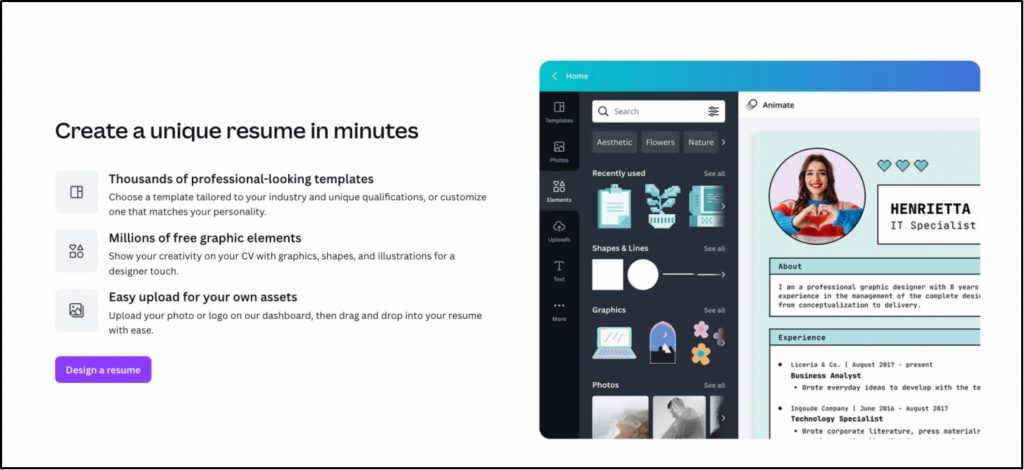
Canva is everywhere for a reason—it’s dead simple to make something that actually looks good. If you want your resume to stand out visually without hiring a designer, this is your spot. You get full control over how it looks, but you won’t get lost in complicated tools.
Key Features
- Drag-and-drop editor that just works—no design skills needed
- Thousands of templates, from corporate clean to creative bold
- Full control over fonts, colors, spacing, and layout
- Plenty of free options that don’t look cheap
3. Novoresume (Best for Structured Guidance)
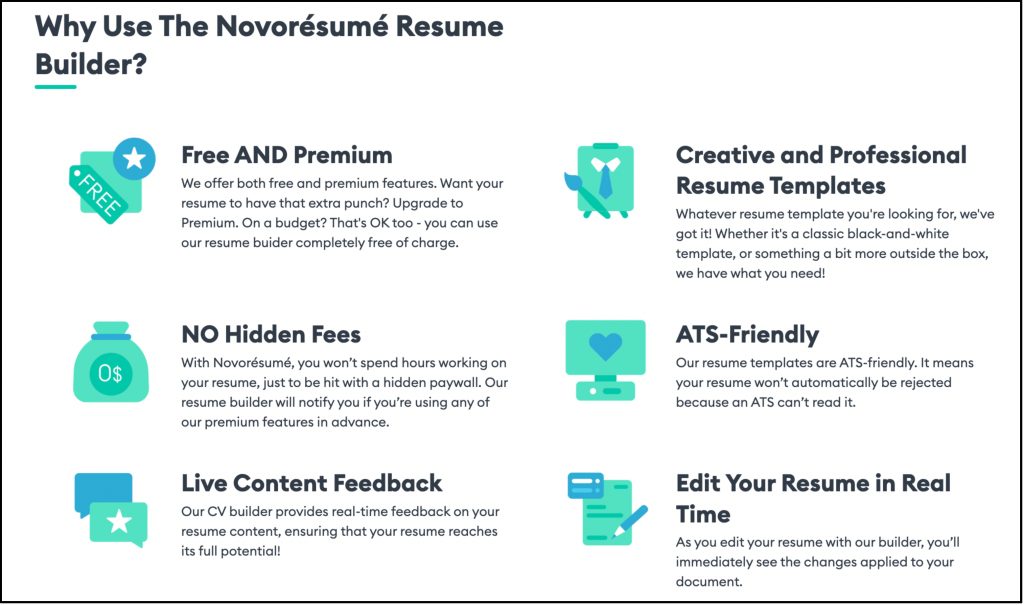
Novoresume holds your hand through the whole thing. If you’re staring at a blank page, wondering what the hell goes on a resume in the first place, this builder walks you through it step by step. It’s built specifically to keep you from missing important sections or rambling too long.
Key Features
- Step-by-step resume builder
- Pre-written suggestions so you’re not starting from zero
- ATS-friendly templates
- Clean, professional designs that won’t age badly
4. Zety Resume Builder (Best for Content Improvement)
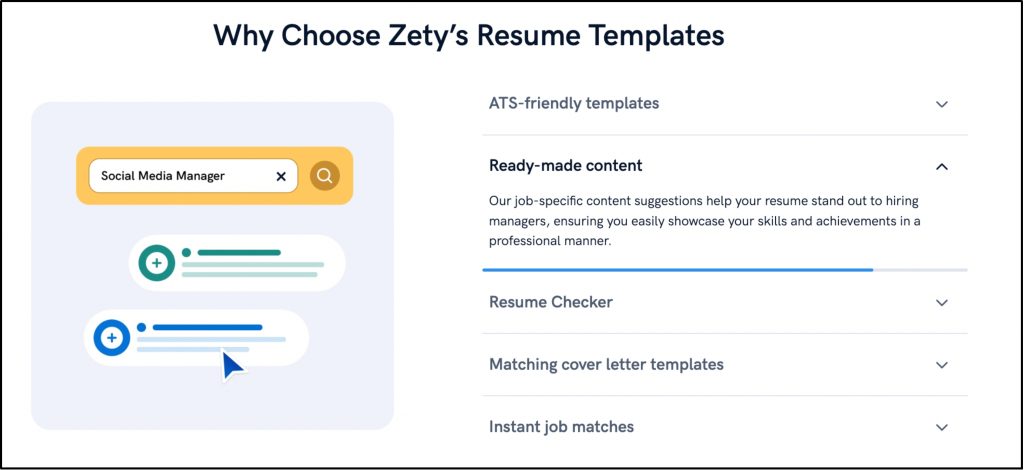
Zety shines when you know what you’ve done but can’t figure out how to say it. It focuses hard on helping you write stronger bullet points and descriptions, which is usually the hardest part anyway. Think of it as a writing coach built into your resume tool.
Key Features
- Pre-written bullet points
- Resume scoring that tells you where you’re weak
- Easy editing interface
- Suggestions for stronger action verbs and phrasing
Now that you’ve got the structure down and picked a tool, let’s talk about making your resume actually work. Small tweaks can be the difference between getting a callback and getting ignored.
5 Tips for Preparing Your First Resume
Here are 5 practical tips for improving how to make a resume for your first job in 2026:
1. Customize for Each Job
Don’t blast the same resume everywhere. Tweak your skills, objective, and keywords to match what each posting actually asks for.
2. Use Their Language
Most companies run resumes through scanning software first. Pull relevant words straight from the job description and work them in naturally.
3. Avoid Obvious Mistakes
- Spelling errors(always double-check)
- Too much text
- Fake information
4. Keep It Clean
- Simple, readablefont
- Noemojis or flashy colors
- Professional email address
5. Show What You Bring
Even without formal work experience, focus on what you can actually do and how you’d help the team. That’s what gets attention.
Resume Example for a First Job
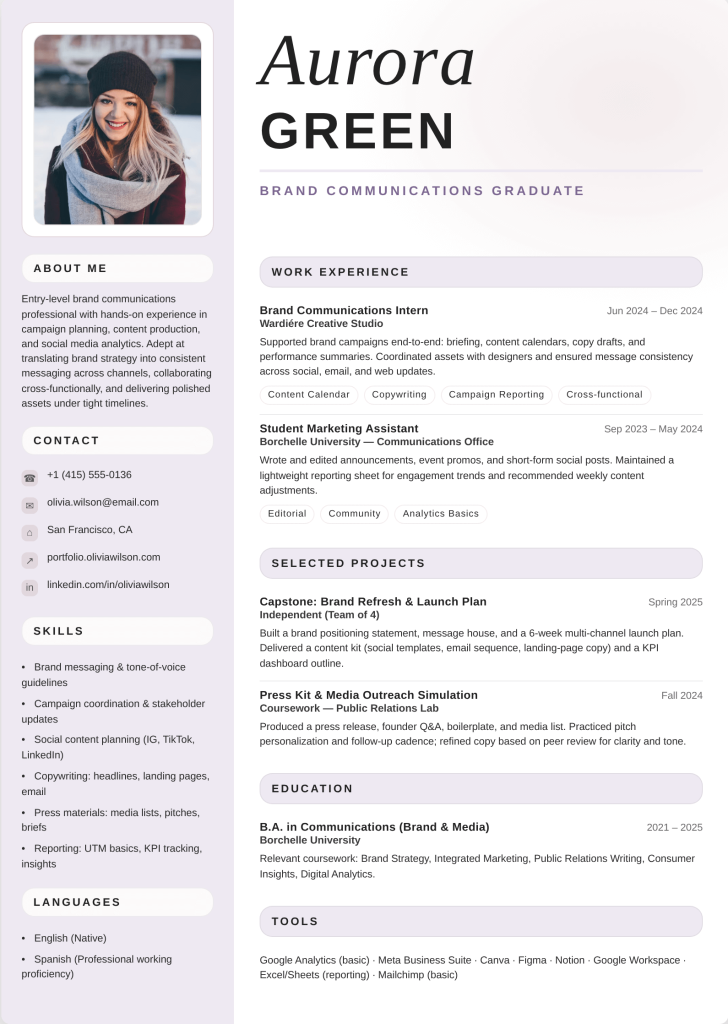
Want to see what all this looks like put together? Check the first job resume made from Oreate AI resume builder to get a feel for how a clean, entry-level resume should look.
Conclusion
Learning how to make a resume for your first job may feel hard at first, but it becomes easier when you follow a clear plan and go step by step, instead of worrying about not having experience.
You need to focus on what you do have, like your strengths, your skills, and what you have learned from school projects or daily work. Showing these in a clear and smart way can leave a good impression on employers.
Start today by making a simple draft and do not try to make it perfect. Just begin and then improve it step by step, make your words better, and choose a clean design that shows your information clearly. Your first job is not far away, so it starts with taking this first step!