Making visuals is now very easy. Using AI to create images turns design into quick, high-quality results with just a few clicks. Whether you are a beginner or a professional, AI tools let anyone make great visuals, save time, and boost creativity.
How to Use AI to Create Images?
Making an image with AI can be done in simple steps. Most AI tools have two main ways to create images: Text to Image and Image to Image.
Text to Image
- Open your favorite AI image tool like Oreate AI Image Generator.
- Type a clear description of the image you want, including style, colors, and mood.
- Click Generate and see AI turn your words into a picture.
- Click “Regenerate” if are not satisfied with the AI-generated image.
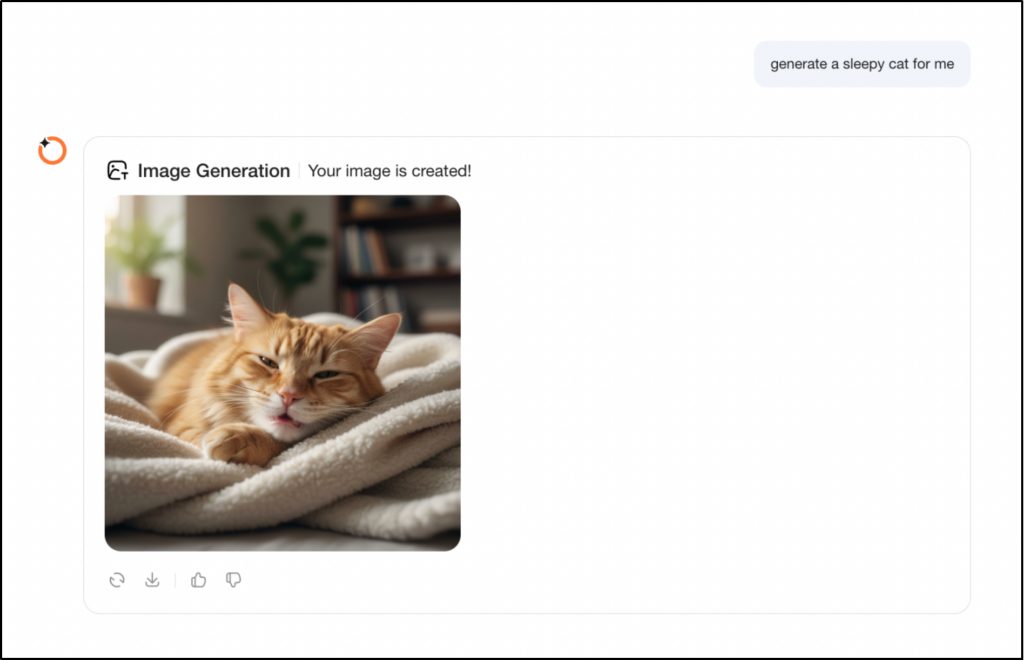
Image to Image
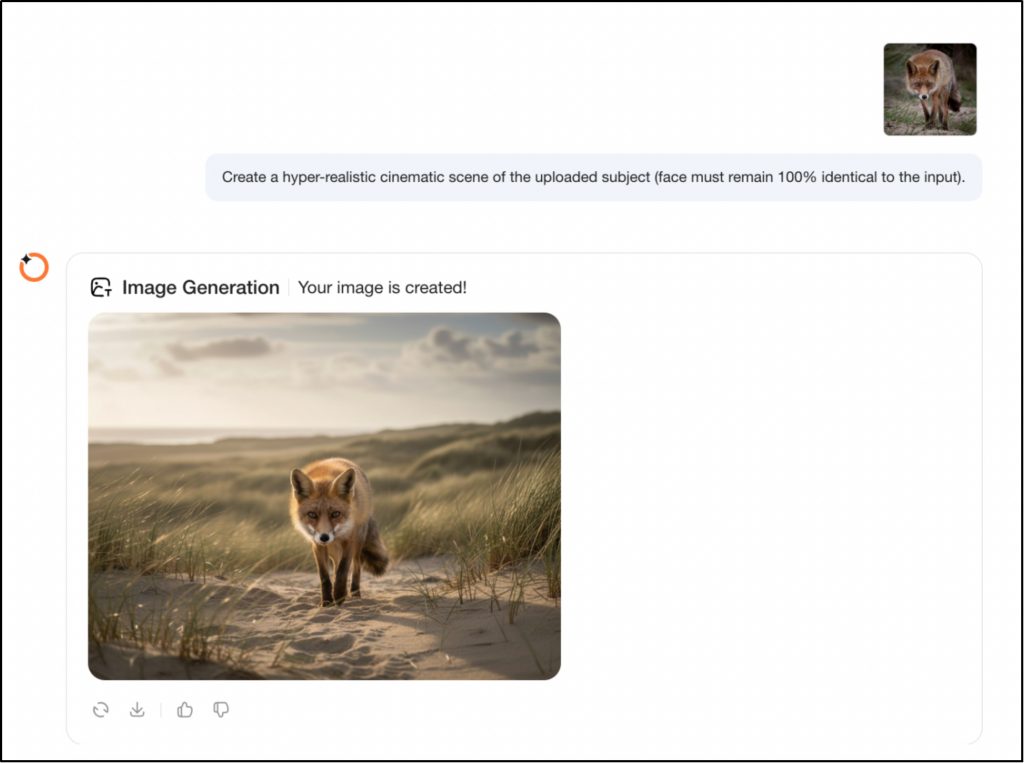
- Begin with an image you already have.
- Upload it to the AI tool and give instructions on how to change it.
- AI will reimagine the image according to your input.
- Click “Regenerate” if are not satisfied with the AI-generated image.
Refining Your Image
- Most AI tools let you change resolution style, or details after creating the first image.
- Trying different versions can help you get the best result.
Saving and Using Your AI Image
- When you are happy, download the image in the format you want.
- Use AI images for presentations, social media marketing, or personal projects.
While you can create images using AI with no knowledge of how to use complex software like Photoshop, the end product will have the same level of professionalism as an image created by a designer.
Is There a Free AI to Make Images?
Yes, there are free image generators, but the quality can be different. Tools like DALL- E Mini, Craiyon, or the free version of Oreate AI let beginners make good visuals without paying, and these tools are great for trying out ideas and learning how to give good instructions to AI.
Which Free AI Image Generator is the Best? (Top 5 Review)
The right tool depends on what you’re actually trying to make. Need something that looks like a real photograph? Or something stylized and artistic? Different tools handle different jobs, and the options have gotten a lot better lately.
Here’s a straight breakdown of the top five to help you pick.
1. Midjourney
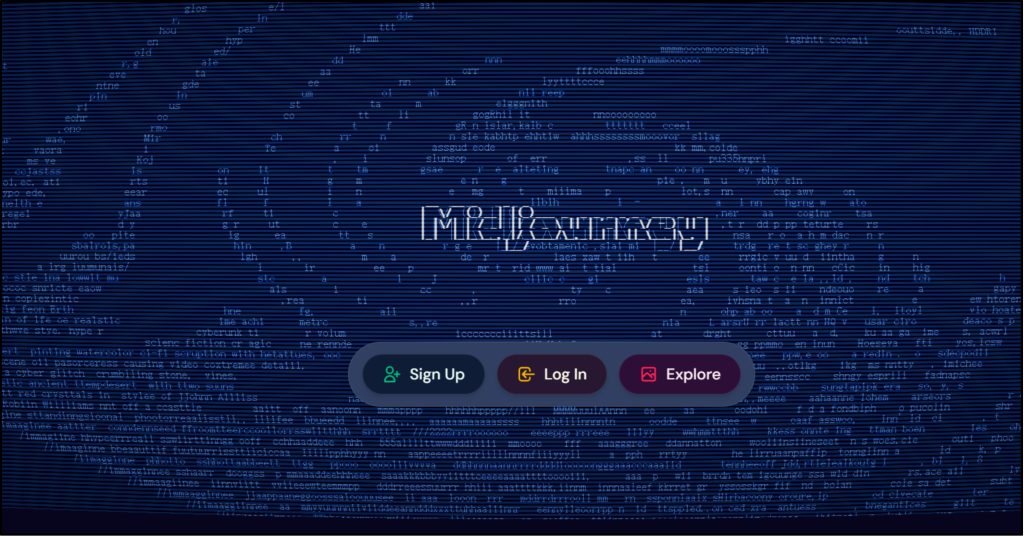
Midjourney leans hard into artistic style rather than photorealism. It’s built for concept art, dreamlike scenes, and anything where mood matters more than accuracy. The community is a big plus—people share prompts and tutorials openly, so you’re not figuring it out alone.
Best For:
- Artists, writers, and storytellers who want eye-catching, unique images
- Projects where style and mood matter more than realistic photos
Features to Highlight:
- Runs through Discord with real-time collaboration
- Gets regular updates with new styles and options
- Strong at cinematic shots, color grading, and abstract work
Tips for Users:
- Be specific with descriptors and art styles, e.g., A surreal forest with glowing mushrooms
- Try different image sizes, like cinematic or square, for better results.
2. DALL– E 3 by OpenAI
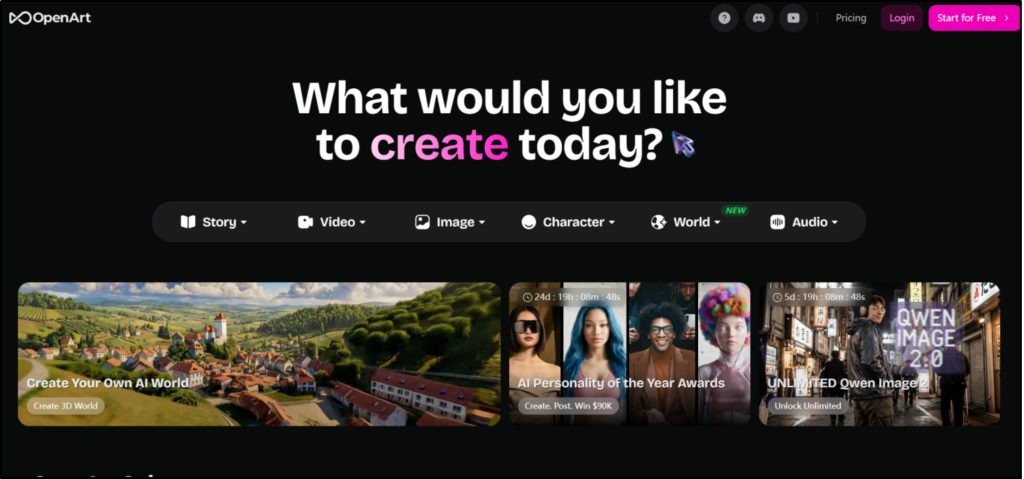
DALL-E 3 nails realistic images and actually understands complex prompts. It translates detailed descriptions into clean, accurate visuals without you having to fight with it.
Best For:
- Marketers who need product shots or ad visuals
- Writers and artists wanting realistic or concept imagery
- Anyone already using OpenAI tools who wants a smooth workflow
Features to Highlight:
- Handles long, detailed prompts well
- Lets you edit specific parts of existing images.
- Built into ChatGPT for easy text-to-image generation
Tips for Users:
- Mention objects, camera angle, and lighting for realism
3. Stable Diffusion
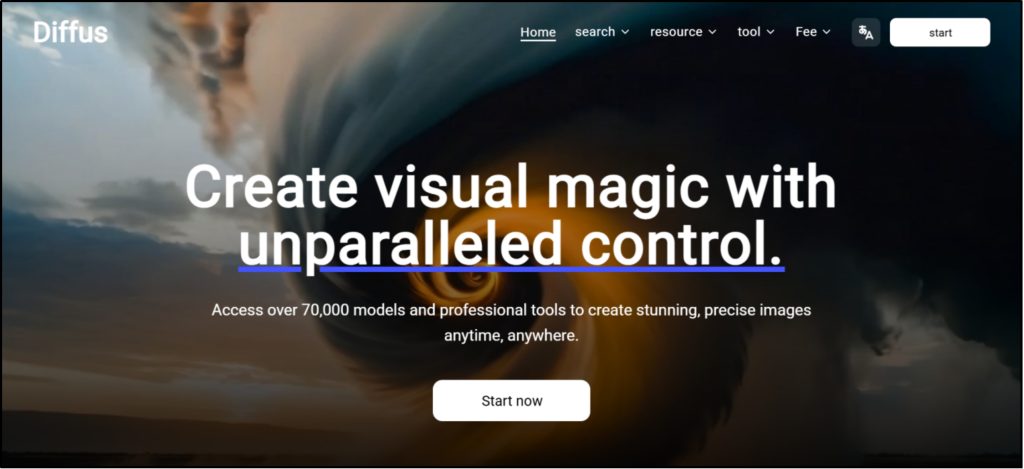
Stable Diffusion is free, open-source, and fully customizable. Unlike locked-down tools, you can tweak models, add custom filters, and control the generation process in detail. Run it locally if you don’t want to rely on cloud services.
Best For:
- Artists, designers, and tech-savvy users who want total control
- People who prefer running AI on their own hardware
Features to Highlight:
- Open architecture supports plugins and custom models
- Supports both Text to Image and Image to Image generation
- Community libraries offer pre-trained models for anime, realism, and abstract art
Tips for Users:
- Start with default models for simple prompts, then branch into custom models for specific looks
- Use seed values to generate variations on an image you like
4. Oreate AI Image Generator
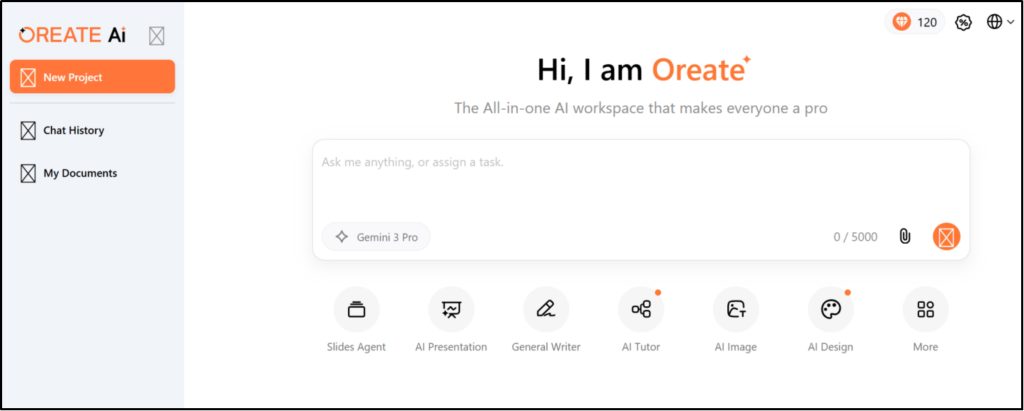
Oreate AI Image Generator is a free online tool that turns your ideas into images. Whether you start with a text description or upload your own photo, the platform handles the heavy lifting—no design skills required. It runs entirely in your browser, so you can create, tweak, and download finished visuals without installing anything.
Best For:
- Content creators who need visuals fast
- Photo editors who hate manual masking.
Features to Highlight:
- Text or image input. Start from words or remix existing photos.
- Smart presets. Pick a style. Tweak color, light, mood.
- Easy for beginners but strong enough for advanced users.
Tips for Users:
- Pair AI-generated images with Oreate AI’s templates for publish-ready graphics
- Keep prompts simple—the platform handles styling and layout automatically
5. Canva AI Image Generator
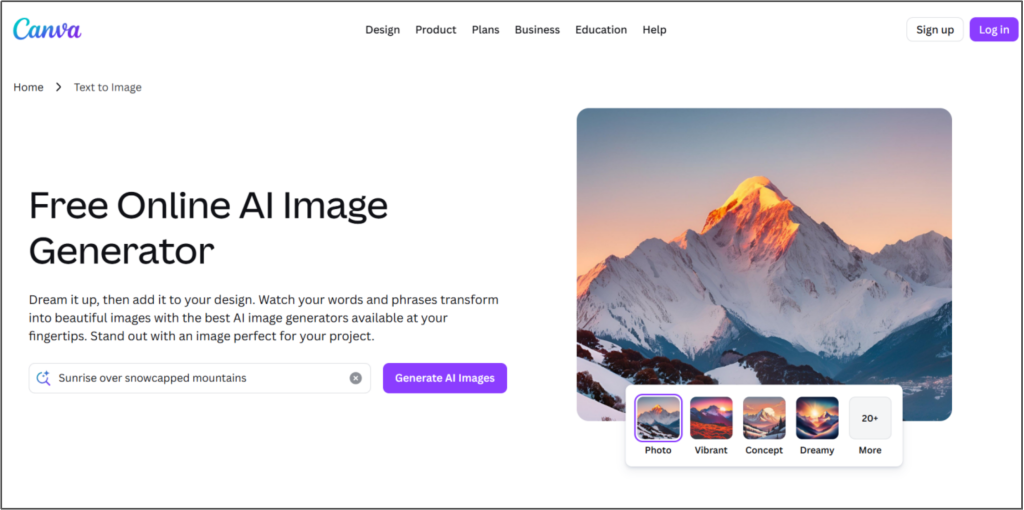
Canva’s generator is built for speed and convenience. It prioritizes getting usable images into your designs fast—social posts, presentations, marketing materials—without fussing over advanced settings.
Best For:
- Beginners or non-designers who want intuitive controls
- Quick-turn content: social graphics, posters, simple assets
Features to Highlight:
- Drag-and-drop interface with ready-made templates
- AI suggestions for colors, fonts, and layouts
- Edit images with filters, sizing, and effects right in Canva
Choose the right image tool for your needs, and double your productivity with half the effort.
Conclusion
Learning to use AI to make images opens a new world of visual creativity. Tools like Oreate AI and other free image tools let you start “drawing with words” right away.
With clear prompts and trying different ideas, you can bring any idea to life easily and start your AI journey today, and see where your imagination goes!